Dark Cults for Download
- Details
-
Wednesday, May 29, 2019 - 10:21 pm
 I blew the dust off of an old file I made a few years ago; a FileMaker implementation of a classic 2-player card game called Dark Cults. If you're a fan of telling a good story with a buddy along the darker lines while having a drink, this is a fun little diversion. It's meant to be played on a iOS device with FileMaker Go. The players play their hand and pass the device back and forth. It's a slow paced story telling game of Life and Death pestering a poor soul as he wanders the dark streets of imagination, Download it here!
Paper Minis Coming to the Next Version
- Details
-
Tuesday, April 24, 2018 - 10:47 pm
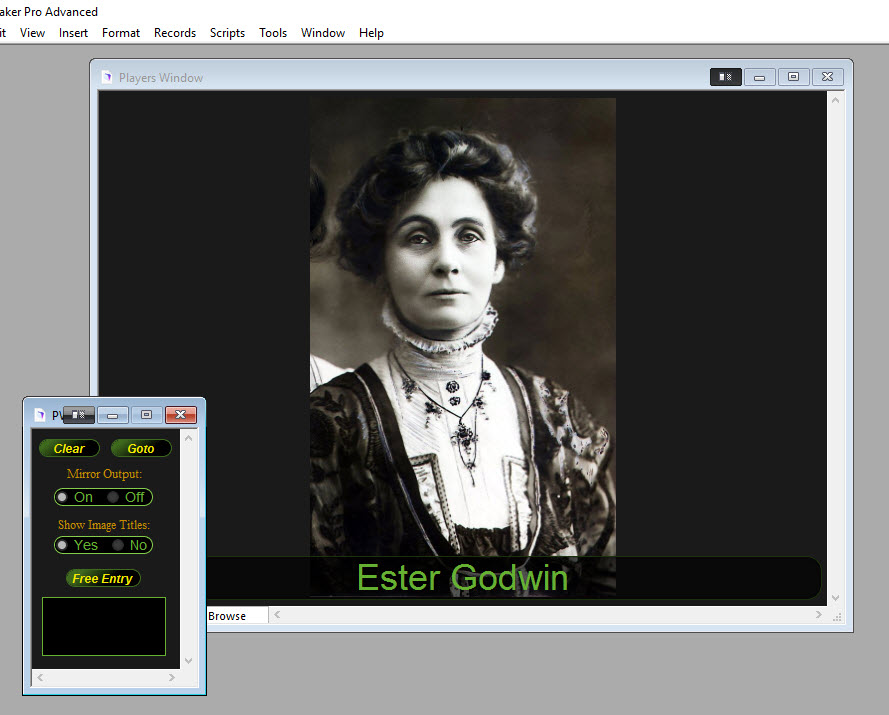
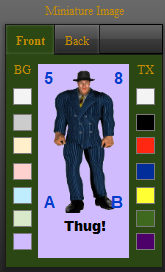
I just put the finishing touches on a new feature in the CoCGMS that will let you create paper miniatures for characters in the system. The next release of the system will let you print, cut out and tape or glue table top paper miniatures for use in your games. You'll have control over front and back image, counter corners on each mini, background color and foreground color of the counters. Use a standard headshot of a character as the mini or find a full body graphic for the character. RPGNow.com has a wide collection of CoC appropriate paper minis you can leverage to flesh our your gaming table. You don't have to spend a chunk of money on physical miniatures to fill out the table.
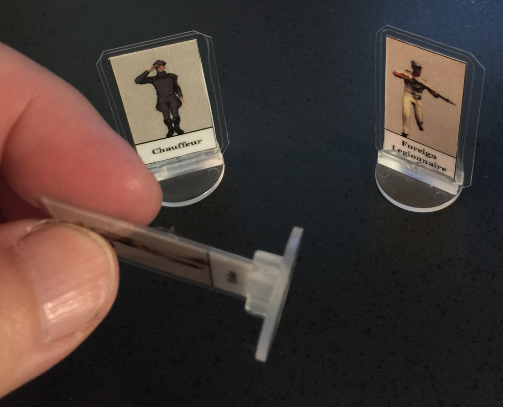
Put a little more effort into the creation of your minis and use a laminator and plastic base to create sturdy, bright, long lasting assets that will be with you for years to come. It's hard to find 1920s or even modern physical miniatures that work in a CoC setting. It's even harder to find them affordably and painted as you'd like. Going this route can save you a lot of money and still add some flash to your games.
In the near future I'll be creating a stand alone application to let gamers create sheets of paper miniatures in mass without using the character system of the CoCGMS. It's nice to have that ability in the CoCGMS but I'm sure there are a lot of gamers out there who just want to assemble a bunch of miniatures quickly without the management overhead. Buying paper miniature PDFs from RPGNow just gets you a static image without custom background coloring, counter notation, customing naming, etc.